
A progress report is only useful if it answers the questions that matter before the next coordination meeting: What changed? Is work tracking to plan? Where are the constraints? And can the record stand up to scrutiny later? The best construction progress reporting tools do more than collect photos and daily notes. They create a dependable, time-stamped record of site conditions that project teams, owners, lenders, and claims professionals can use to make decisions.
For complex commercial, industrial, energy, and infrastructure work, the right platform also has to accommodate the reality of the jobsite. Work happens across large footprints, access can be limited, schedules shift quickly, and field personnel do not have time to duplicate information across several systems. The strongest reporting approach connects field observations, schedule context, drawings, photos, maps, and aerial documentation without turning reporting into another administrative burden.
What Makes a Progress Reporting Tool Worth Using
The right choice depends on the project delivery method, reporting requirements, and the systems already used by the team. A general contractor running a large vertical project may need tight connections between RFIs, submittals, drawings, and daily logs. An owner monitoring a solar site, transmission corridor, industrial expansion, or multi-building development may place more value on objective visual documentation, map-based measurement, and repeatable site capture.
Start with data reliability. The platform should preserve dates, locations, authorship, and source files so the team can distinguish an observed condition from a later interpretation. Photo organization matters, but searchable visual records matter more. A superintendent should be able to locate the east elevation, a specific work area, or a recurring issue without scrolling through thousands of unstructured images.
The tool should also fit the reporting cadence. Daily field reporting is different from weekly owner updates, monthly lender reports, and milestone documentation. A useful system lets teams collect information once, then present it at the appropriate level of detail for each audience.
Finally, consider how the software handles large-site context. Ground photos explain details. Orthomosaic maps, 360-degree captures, and properly collected aerial imagery show sequence, access, laydown areas, roof progress, earthwork, utility routing, and the relationship between active work zones. On complex sites, both views are necessary.
Best Construction Progress Reporting Tools by Use Case
There is no single platform that leads in every category. The most effective choice is usually a primary construction-management system paired with a visual documentation or mapping platform where the work demands it.
Procore for central project controls
Procore is a practical choice for contractors that need progress reporting tied to broader project controls. Its value comes from keeping daily logs, photos, observations, drawings, RFIs, schedules, and quality or safety workflows within a common project environment. That centralization can reduce the gap between what the field sees and what the office reports.
For progress reporting, Procore works best when teams establish consistent field routines. If daily logs are incomplete or photo uploads lack location and context, the platform cannot solve the underlying discipline problem. On well-managed projects, it provides a clear record that supports internal coordination and owner-facing reporting.
Autodesk Construction Cloud for model and document coordination
Autodesk Construction Cloud is well suited to projects where design coordination, controlled documents, and model-based workflows are central to execution. Teams using Autodesk products can connect field issues and progress records to current plans and models, which is particularly useful when reporting needs to reference exact locations or design intent.
Its trade-off is implementation effort. The platform delivers more value when document-control practices, user permissions, and naming standards are established early. For a short-duration project with limited technical coordination, that level of setup may exceed the reporting need. For large, design-intensive work, it can improve traceability substantially.
OpenSpace and StructionSite for repeatable visual capture
OpenSpace and StructionSite are strong options for teams that need frequent, navigable visual records of interior and exterior work. Their core benefit is repeatable site capture that allows users to revisit conditions remotely, compare progress across dates, and reduce unnecessary site walks.
These platforms are especially useful for multi-floor commercial construction, healthcare, education, manufacturing, and other projects where a stakeholder may need to verify installed work without traveling to the site. They do not replace disciplined daily reporting or survey-grade mapping, but they make visual progress easier to review and share.
DroneDeploy for aerial progress documentation and mapping
DroneDeploy is a leading option when aerial imagery, orthomosaic mapping, site comparisons, and volume-related workflows are important. Large horizontal projects, industrial expansions, utility construction, roofing, and earthwork can benefit from a visual record that shows the entire site rather than isolated ground-level viewpoints.
The quality of the result depends on the field collection plan. Consistent flight paths, appropriate image overlap, site control where needed, and safe operational procedures affect whether imagery can be compared reliably over time. Aerial data should be collected for a defined reporting purpose, not simply because a drone is available.
Raken for straightforward field reporting
Raken is designed around the practical needs of daily reports, time tracking, production tracking, and field-to-office communication. It can be a good fit for contractors that need to improve reporting adoption quickly without deploying a broader enterprise platform.
Its strength is simplicity. Its limitation is that complex projects may eventually need deeper document control, formal issue management, or visual mapping capabilities than a daily-reporting-focused platform provides. For many teams, it works well as part of a broader reporting stack.
Build the Reporting Workflow Before Buying Software
Software decisions should follow workflow decisions, not the other way around. Define what the report must prove or communicate. A weekly owner report may need percent-complete narratives, milestone photos, aerial overviews, look-ahead risks, and schedule variance notes. A lender or insurer may need dated evidence of conditions, stored materials, site access, weather impacts, and damage documentation. An operations team preparing for turnover may need a visual record of installed systems and hard-to-access areas.
Once that purpose is clear, assign ownership. Someone must be responsible for field capture, another person for validating the information, and a project lead for publishing the report. When everyone owns reporting, no one owns its quality.
Use standard capture points and reporting categories. For example, document the same building corners, utility crossings, laydown areas, elevations, or critical-path work zones each reporting period. This makes change visible. Random photos may look active, but they are difficult to compare and rarely answer questions later.
Where Aerial Data Improves Progress Reports
Aerial documentation is most valuable when it closes the gap between a written narrative and actual site conditions. An orthomosaic can show grading progress, material staging, drainage changes, access routes, roof areas, and overall sequencing in one coordinated view. Repeated captures from comparable positions can show whether work is advancing as expected and identify areas that need closer review.
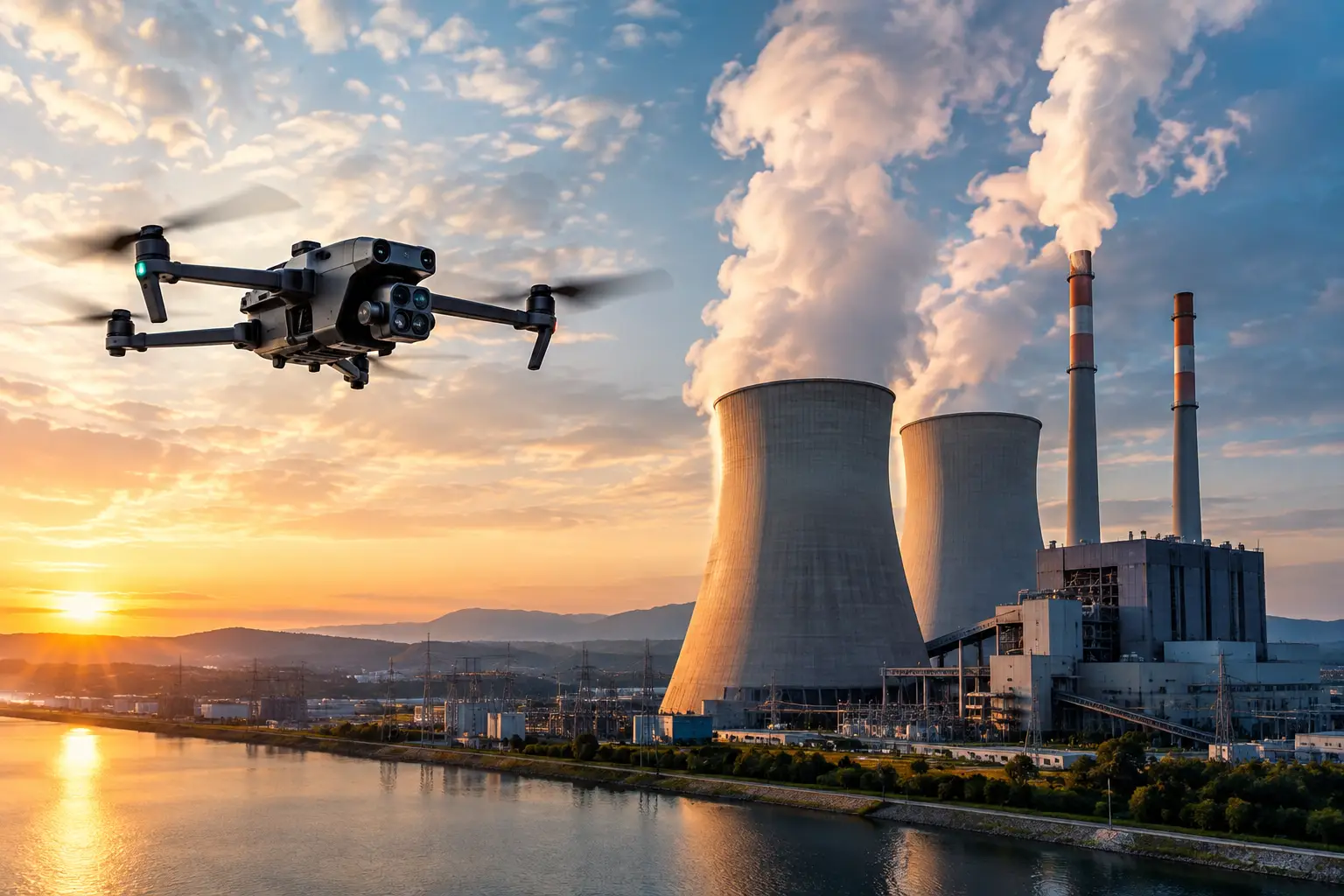
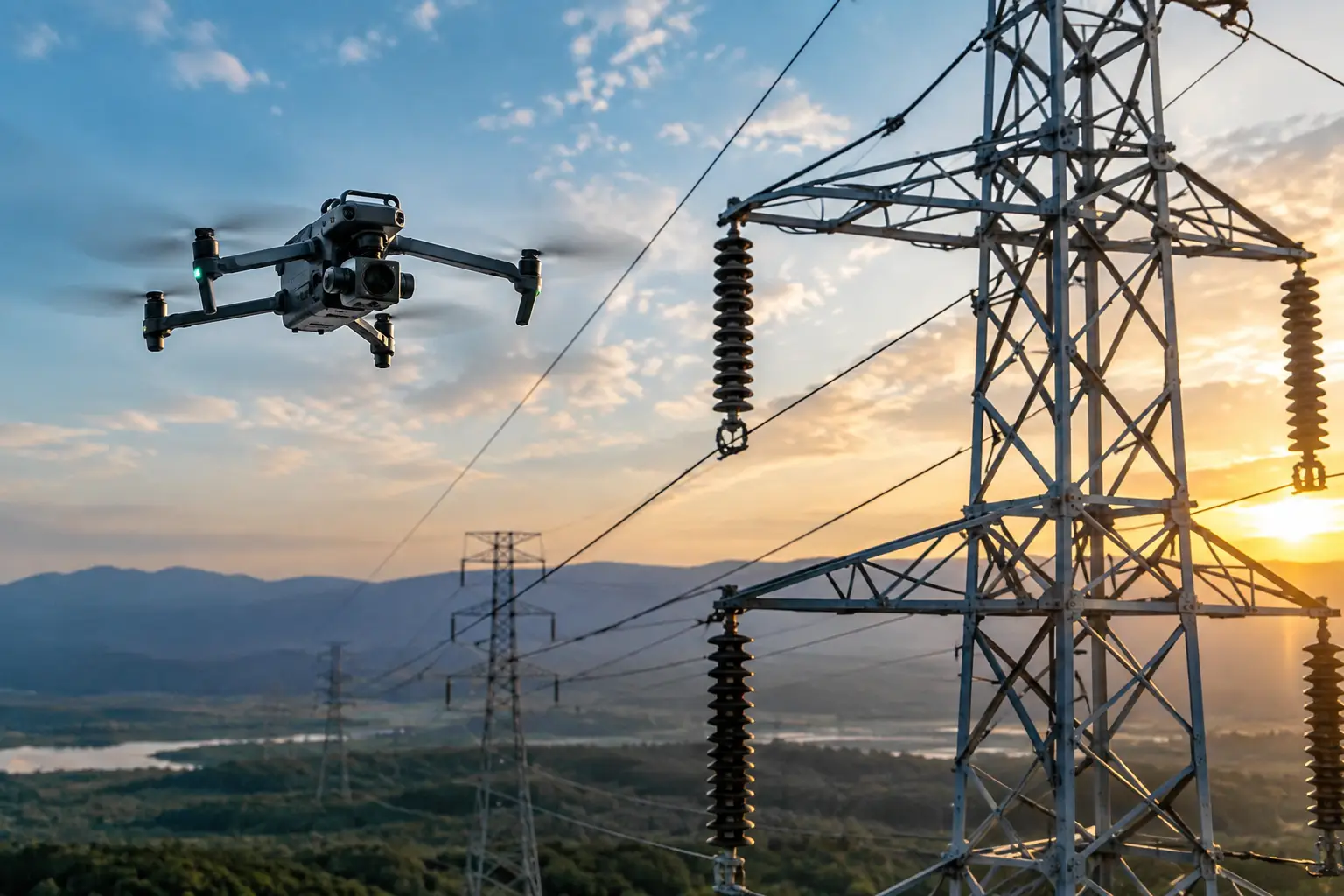
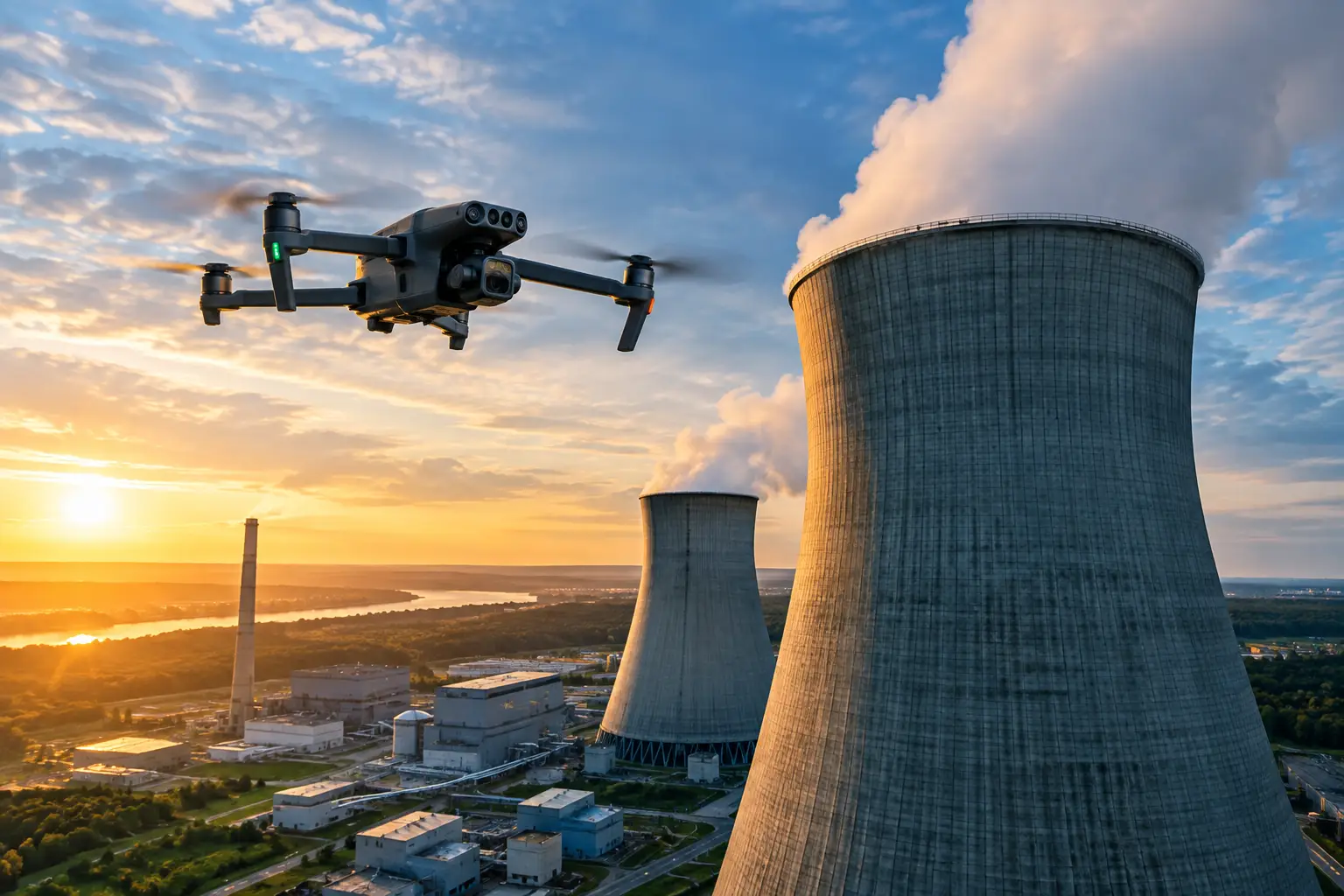
For industrial and critical infrastructure projects, aerial data can also reduce exposure associated with documenting elevated, confined, remote, or otherwise difficult-to-access areas. It supports inspection and engineering teams with current visual information, but it does not replace engineering judgment, required site access procedures, or formal inspections.
The most useful aerial deliverables are tied to a decision. A monthly map that is never reviewed is not progress intelligence. A dated map, annotated imagery set, or 3D model connected to a schedule discussion, quantity review, owner update, or issue log has a clear operational purpose.
Common Reporting Failures to Avoid
The first failure is treating a photo gallery as a report. Photos without dates, locations, captions, and project context create ambiguity. The second is reporting only positive progress. Reliable reporting identifies constraints, weather impacts, incomplete areas, safety concerns, and pending decisions while there is still time to act.
Another common problem is mixing precision levels. Aerial imagery may provide strong visual documentation, but teams should not present it as survey data or use it for measurement decisions unless the collection method and accuracy requirements support that use. Match the deliverable to the decision being made.
Finally, avoid creating parallel records that conflict. If the schedule says an area is complete while current imagery shows active work, the discrepancy should trigger a review rather than be buried in separate systems.
Selecting the Right Reporting Stack
For a major construction program, the best answer is often not one tool. Procore or Autodesk Construction Cloud may serve as the project record, while OpenSpace or StructionSite provides repeatable visual capture and DroneDeploy supports aerial mapping and site-scale documentation. Raken may be the practical field-reporting layer for teams that need simple, consistent daily inputs.
Evaluate platforms through a pilot on an active project. Test how quickly field teams can capture information, how easily an owner can find a specific condition, and whether the final report reduces follow-up questions. Air Reel Technologies can support that workflow with professional aerial progress documentation, mapping, and visual data collection for projects where site scale, safety exposure, or access limitations make conventional documentation less effective.
The right reporting tool is the one that turns site conditions into a record people can trust. Choose the platform around the decisions your team must make, then collect visual evidence with the consistency those decisions require.